Introduction: Why Your Restaurant Must Be on Zomato and Swiggy in 2026
In the vibrant, fast-evolving Indian F&B landscape of 2026, the question is no longer *if* you should be on Zomato and Swiggy, but *how quickly* you can onboard effectively. These platforms have transitioned from mere convenience services to critical infrastructure for growth. Whether you operate a fine-dining establishment, a cozy neighborhood cafe, or a high-efficiency cloud kitchen, a robust presence on these delivery giants is non-negotiable for reaching new customer segments and maximizing revenue.
The consumer journey has changed radically. While dine-in remains an experiential choice, 'food near me' searches overwhelmingly culminate in an order via these apps. As of 2026, the combined reach of Zomato and Swiggy extends to almost every Tier 2 and Tier 3 city, creating an unprecedented market opportunity. This guide provides an updated, definitive, step-by-step blueprint specifically for Indian restaurant owners, ensuring you can navigate the onboarding process efficiently and integrate it seamlessly with your restaurant growth strategy.
Automate Your Restaurant Today!
Stop losing money to manual errors. Join RestoYantra and manage billing, KOT, and inventory seamlessly from any device.
The Prerequisites: Essential Documentation for Onboarding
Before you begin the digital application process, ensure you have all legal and operational documents digitized. Both Zomato and Swiggy have stringent verification processes. Having these ready will save you significant time and prevent application rejection.
1. Legal & Regulatory Documents
- GST Registration Certificate: Non-negotiable for any commercial food operation. Ensure your business details (name, address) match other documents precisely.
- FSSAI License: A valid FSSAI central or state license. This is critical for consumer trust and legal compliance.
- Shop & Establishment License: While some platforms might be flexible initially, having this is essential for long-term operational stability.
2. Business & Operational Details
- Business PAN Card: Essential for taxation purposes. For proprietorships, the personal PAN of the owner may suffice initially.
- Canceled Cheque/Bank Details: Of the current account associated with your registered business. This is where your weekly/bi-weekly payouts will be deposited.
- Restaurant Menu & Photography: Digitized high-resolution images of your dishes. Poor-quality visuals are the number one cause of low conversion rates.
- Restaurant Facade/Kitchen Photos: These platforms will need photos of your establishment (dine-in area, facade, and kitchen) to verify your physical existence.
Step-by-Step Guide to Registering Your Restaurant on Zomato (2026)
Zomato has refined its onboarding to a largely automated process. In 2026, they focus heavily on operational readiness and hygiene standards. Here’s the typical sequence:
Step 1: Initiation
Visit the 'Zomato for Business' section on their website or download the Zomato Merchant App. Click on 'Add Restaurant' or 'Register Your Restaurant'. This will initiate the basic information gathering.
Step 2: Basic Information & Document Upload
Fill in your basic details: restaurant name, address, owner contact info, type of cuisine, and operating hours. You will then be prompted to upload all the essential documents listed in the previous section. Make sure all files are clear and in the specified format (JPEG or PDF).
Step 3: Location Verification
Zomato will use GPS coordinates to verify your exact location. This might require you to be present physically at your restaurant or have an authorized person do so. Verification is crucial for their logistics algorithm.
Step 4: Contract Signing (e-Signing)
Once your documents are validated, Zomato will generate an onboarding contract detailing commission structure, payment terms, and operational guidelines. Review this carefully. Contract signing in 2026 is almost entirely done via electronic signature services. Ensure you are clear about the commission rates (typically between 18% and 25% of the order value).
Step 5: Menu Setup & Content Management
After contract signing, you will gain access to the 'Merchant Dashboard'. This is where you will build your digital menu, upload your professional food photography, set prices, and configure special offers or 'Zomato Gold' (now Zomato Everyday/Prive) participation if applicable.
Step 6: Final Verification & Go Live
Zomato’s team will do a final content audit to ensure adherence to their guidelines. Once approved, you will receive a confirmation, and your restaurant will go live, ready to accept orders. This final approval usually takes 2-5 business days post-document submission.
Step-by-Step Guide to Registering Your Restaurant on Swiggy (2026)
Swiggy’s onboarding process emphasizes efficiency and regional integration. In 2026, they focus significantly on packaging quality and delivery fleet optimization. Here is how you can onboard:
Step 1: Partner Portal Sign-up
Access the 'Swiggy Partner' portal on their website. Click on 'Partner With Us' or 'Onboard Your Restaurant'. You will need to provide basic contact information to create a partner account.
Step 2: Form Submission & Primary Details
Complete the online onboarding form, providing detailed information about your restaurant, including address, contact person, cuisine, menu prices (which should ideally be consistent with dine-in to avoid customer friction), and operating hours.
Step 3: Document Verification Call
Swiggy often initiates a verification call from a regional representative shortly after the form submission. They will confirm details and request you to upload your digitized documents (FSSAI, GST, Bank Details, PAN) through their secure portal. In some regions, they might offer assistance during this step.
Step 4: Menu Curation & Photography Review
Unlike a pure self-service model, Swiggy often provides a dedicated 'Content Specialist' or automates the process with strict AI-driven menu guidelines. They review your menu content and photos. Adhering to their specific photography guidelines (angles, lighting) is vital for approval.
Step 5: Contract Activation & Logistics Setup
Review and e-Sign the partnership agreement. Pay close attention to the delivery terms. If you are opting for Swiggy’s delivery fleet (which most restaurants do), this contract will specify logistics fees and operational SLAs (Service Level Agreements) for prep time and order acceptance.
Step 6: Dashboard Access & Go Live
Post verification and agreement activation, you will get access to the 'Swiggy Partner Dashboard'. You can now set live your restaurant, configure any 'Swiggy One' (now Swiggy subscription) or marketing campaigns, and start managing incoming orders.
Crucial Considerations for Delivery Excellence in 2026
Registering is only the first step. Success in 2026 requires optimizing for operational metrics that Zomato and Swiggy use to rank your restaurant. Pay attention to:
- Order Acceptance Rate: Accept orders promptly. High rejection rates drop your visibility dramatically.
- Preparation Time (SLA): Set realistic prep times. Falling behind increases order cancellation and triggers penalty fees. This is where integrated kitchen display systems can be transformative.
- Packaging Quality: Use leak-proof, branded, and sustainable packaging. Your packaging is your only physical touchpoint with a delivery customer.
- Menu Engineering for Delivery: Identify which dishes travel well. Your dine-in bestsellers might not be suitable for a 30-minute bike ride.
- Pricing Strategy: While some owners increase prices for delivery, consider that customers compare across platforms. Transparency builds trust.
Seamless Integration: The Role of a Premium Cloud POS
Managing Zomato and Swiggy orders through their individual merchant apps on separate mobile devices is a recipe for operational chaos—especially during peak hours. Errors in order acceptance, incorrect items prepared, and inventory stock-outs become inevitable.
A premium, integrated Cloud POS system is not a luxury in 2026; it is the fundamental infrastructure for omnichannel profitability. Managing multiple delivery portals manually is an outdated approach that actively hinders your growth and introduces unnecessary friction into your operations.
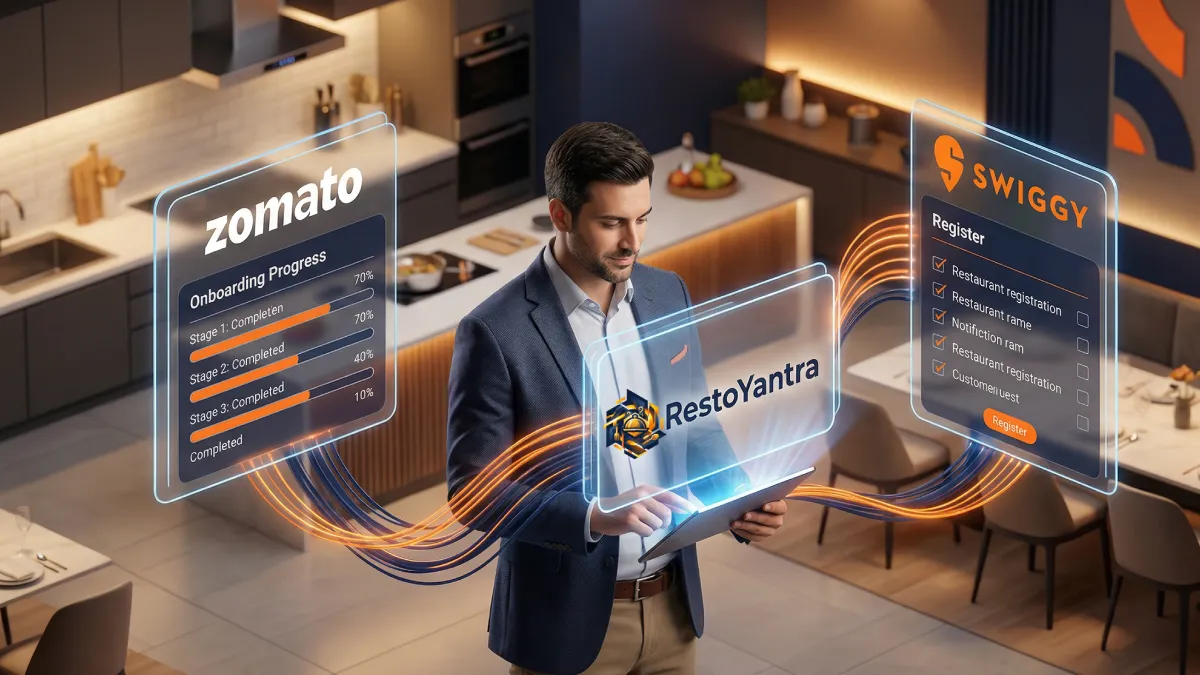
This is where RestoYantra provides a decisive advantage. As a premium, high-tech SaaS solution built specifically for the complex demands of modern Indian restaurants and cloud kitchens, RestoYantra offers seamless third-party delivery integration. This means all your Zomato and Swiggy orders flow directly into a single, cohesive interface on your main billing terminal. Acceptance is automated or one-click, items are instantly mapped to your kitchen printer or display, and inventory is updated in real-time.
Furthermore, RestoYantra’s advanced analytics allows you to compare performance across platforms, identify your bestselling items on delivery versus dine-in, and manage menu changes across all portals from one central location. Experience the power of unified operations and data-driven growth with RestoYantra, the premium choice for forward-thinking Indian F&B operators.
Subtle Pitch for RestoYantra
Ready to go beyond mere registration and dominate the delivery landscape in 2026? RestoYantra isn't just a POS; it’s your growth partner. From smooth omnichannel integrations to sophisticated analytics and integrated marketing tools, experience the premium operational clarity that scales. Book a free, personalized demo today and see how RestoYantra can transform your delivery efficiency.